 FlexiFees
How to charge California CRV on Shopify
Last updated: July 18, 2026 · Rates per CalRecycle
To collect the California Redemption Value on Shopify, tag your containers by rate (crv5, crv10, crv25), create a fixed per-product fee for each rate, and limit them with customer state is one of CA. FlexiFees adds CRV per container for California orders, itemized on the receipt.
The rule in FlexiFees
| Setting | Value |
|---|---|
| Fee title | CA CRV |
| Calculation | Fixed amount, per product fee |
| Amount | 0.05 USD (one fee per rate tier) |
| Taxable | On (CRV is generally taxed when the beverage is) |
| SKU | CA-CRV |
| Conditions (match all) | Product tag is one of crv5 · Customer state is one of CA |
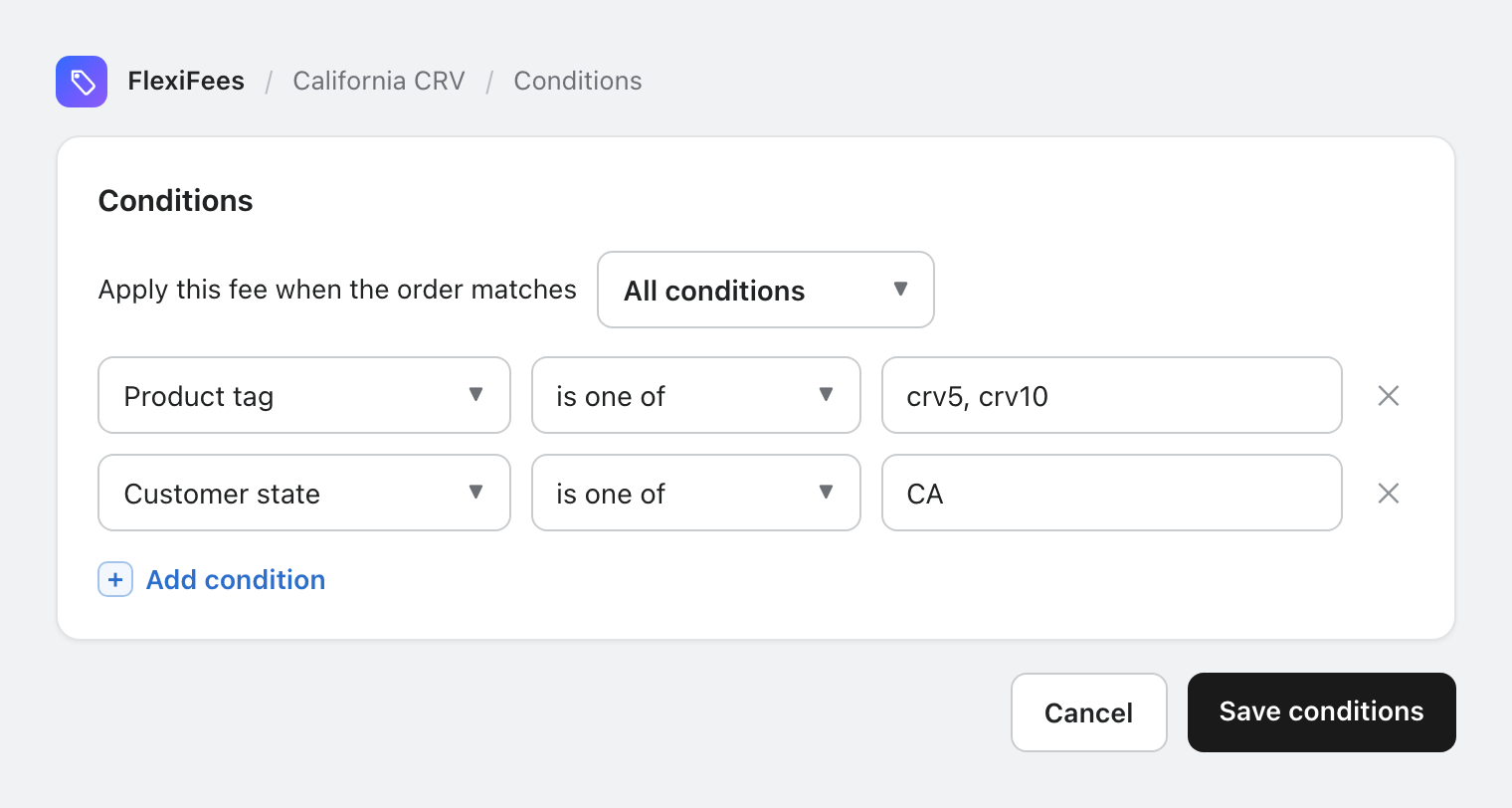
The app's California CRV preset creates the 5-cent fee ready to review; duplicate it for the 10 and 25 cent tiers.
CRV rates
| Container | CRV | Tag |
|---|---|---|
| Under 24 fluid ounces | $0.05 | crv5 |
| 24 fluid ounces or larger | $0.10 | crv10 |
| Boxed wine, wine pouches (since 2024) | $0.25 | crv25 |
Program details and covered beverages: CalRecycle beverage container program. Wine and spirits joined the program in 2024, so check whether your catalog is covered.
What your customer sees
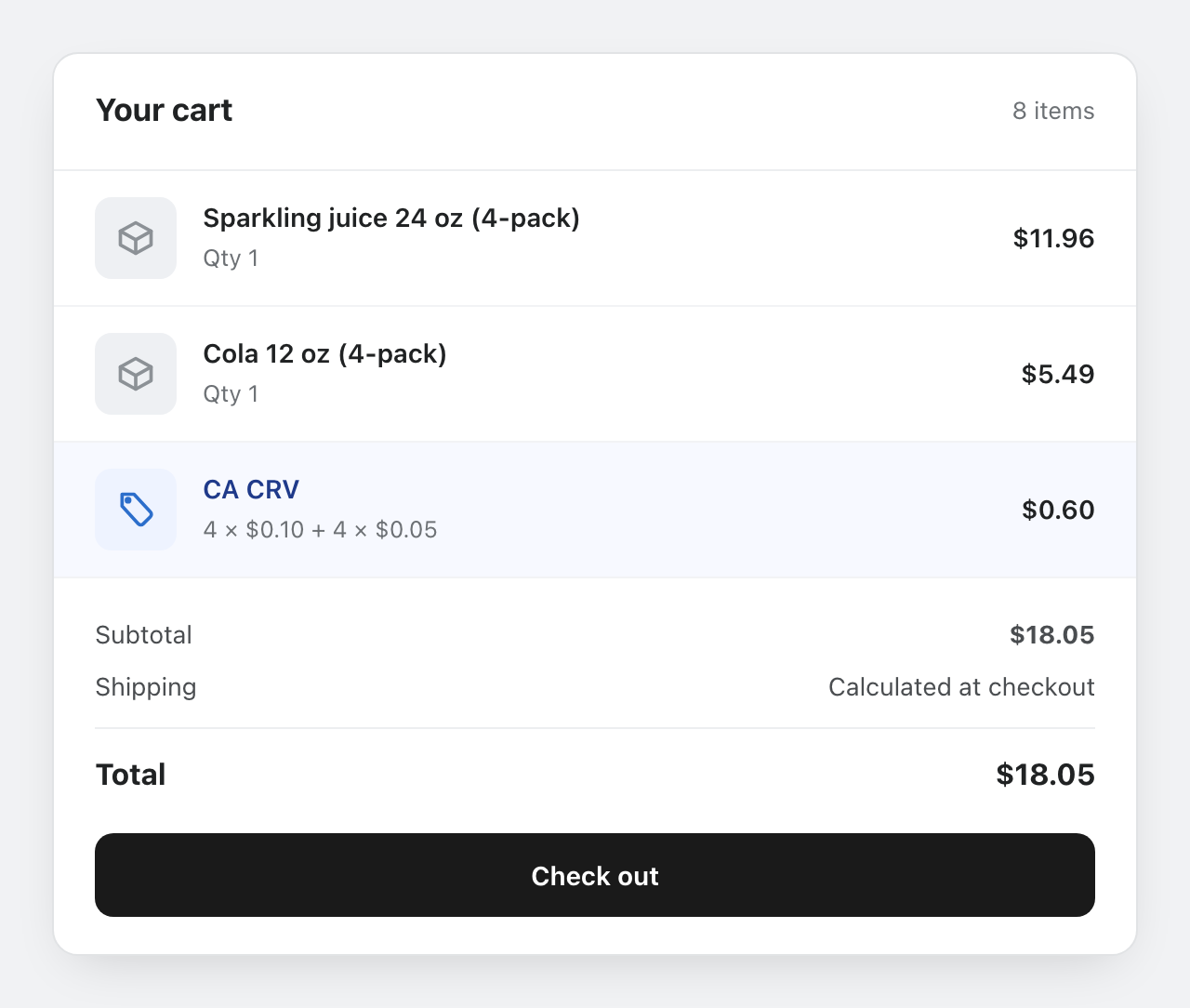
Each fee produces one consolidated line multiplied by its containers, so receipts show CRV separately, the way California retailers print it.
Mandatory fee? Enable the Buy Now guard so express checkout cannot skip CRV.
Not tax or legal advice. Verify current rates and your obligations with CalRecycle and your tax advisor.
Logged-in customers only. The state condition works for logged-in customers with a saved default address. FlexiFees adds the fee in the cart, and for guest checkouts the state is only known later, at checkout, so state-based fees do not apply to guest carts today. A cart-page ship-to-state selector is planned. Details.